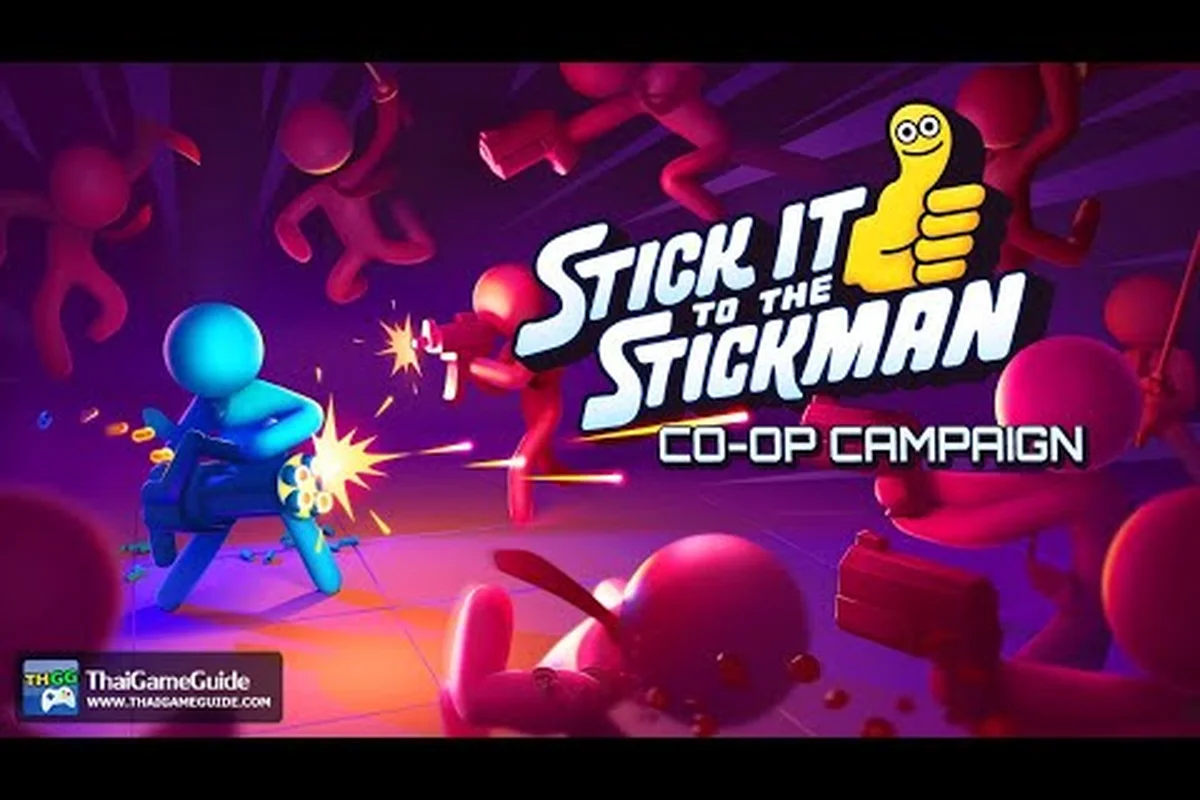
Couch co-op in this game explodes with ragdoll limbs, coffee mugs, and stapler confetti flying across every inch of the screen, which is exactly why the multiplayer camera controls decide whether your team climbs the corporate ladder or wipes out on the mailroom floor. According to the official Stick It to the Stickman page on Steam, the 1.0 release supports local co-op across the Corporate Ladder, the underground Billionaire Bunker, and the Neurolink psychic showdown, and each mode throws a different camera problem at your team. This guide walks through the framing, zoom, and combo-syncing settings that keep every office brawl readable when two, three, or four players are swinging staplers in the same room.
The Strategic Impact of Dynamic Viewport Positioning
Ragdoll physics in this brawler are deliberately chaotic, and the camera has to keep two wildly different characters on the same vertical axis without losing the action. The default behavior uses a single shared camera that follows the Centroid Anchor, the average position of every player in the session, then zooms out to fit them all in frame. That works for early Corporate Ladder floors, but as soon as one player charges a Tier 3 Chainsaw Slash while another launches a Flying Kick, the centroid snaps halfway across the office and the screen lurches.
The fix sits inside the Camera Settings submenu, which the developer Free Lives tuned specifically for the 1.0 launch. Three sliders matter most during co-op:
| Setting | Default Value | Co-Op Recommended | Effect on Screen |
|---|---|---|---|
| Follow Smoothing | 0.35s | 0.55s | Reduces the camera whip when one player sprints ahead |
| Deadzone Radius | 1.2 units | 0.6 units | Keeps both fighters centered when one is mid-combo |
| Dynamic Zoom Cap | 24 units | 32 units | Allows the camera to pull back further for split-screen brawls |
| Vertical Bias | 0% | +15% | Lifts the frame slightly to show airborne combos and ragdoll launches |
Each slider compounds with the others, so the recommended co-op profile is the Office Brawl Preset bundled with the 1.0 update. It activates automatically when a second controller joins, which is convenient for casual parties but annoying for ranked Cage Fight runs where you want the tighter single-player framing. Hold Select on any controller before the match loads to override and force a custom profile.
Reading the Centroid Anchor During a Three-Player Brawl
The Centroid Anchor behaves differently with three or four controllers because the math shifts from a simple midpoint to a weighted average based on each player's recent movement velocity. A stationary player throwing combos drags the anchor toward them, while a player spamming dodges at the screen edge yanks the frame off-center. Community testing on the Free Lives Discord suggests the Velocity Dampening toggle, found under Camera Settings → Advanced, is the cleanest fix. Flipping it from 0.8 to 1.2 reduces the anchor drift during high-speed chases on the rooftop floors.
Split-Screen vs. Shared Camera: Choosing the Right Layout
Every game mode in 1.0 supports both layouts, and the choice changes how stick it to the stickman co op move combos land in practice. The shared camera keeps both players in a single frame, which means your combos can chain off each other visually — a player A launcher into a player B aerial is easy to read when you can see both stickmen at once. The split-screen layout hands each player their own viewport, which prevents framing chaos during the Billionaire Bunker raid but also hides the co-op synergy moments that make the game feel unique.
| Layout | Best For | Drawback | Recommended Mode |
|---|---|---|---|
| Shared Camera (Default) | Couch co-op, early Corporate Ladder | Camera whip on long stages | Story Mode, Cage Fight, Endless Office |
| Vertical Split | Tall arena layouts like the Doomsday Vault | Lower vertical resolution per pane | Billionaire Bunker, Boss Rush |
| Horizontal Split | Wide boss arenas | Reduced horizontal tracking for throws | Rooftop CEO, Chief Security Officer arena |
| Dynamic Hybrid | Mixed combat with one player ranged | Slight input lag in the secondary pane | Neurolink Mind Battle, Level Builder Workshop |
The Dynamic Hybrid layout is new to 1.0 and pairs the shared camera with a small picture-in-picture window whenever one player drifts more than 8 units from the anchor. It's the most forgiving option for players new to stick it to the stickman multiplayer camera controls, and the official trailer embedded below shows it handling a four-player Billionaire Bunker sweep without losing the frame.
When to Override the Default Layout
Ranked Cage Fight players almost always force Vertical Split because the Starbucks-branded arena is narrow and tall, and a shared camera tends to crop the upper balconies where the bonus score multipliers spawn. The override is bound to D-Pad Down on the title screen, then X to cycle through the four layouts. The choice persists per profile, so a competitive player and a casual couch partner can each keep their preferred framing on the same save file.
Bunker Doomsday Vault Camera Tips
The underground Billionaire Bunker is where camera control starts to break down, because the final chamber, the Doomsday Vault, is a vertical shaft roughly 28 units tall with destructible platforms that collapse as you fight. Stick it to the stickman bunker doomsday vault tips from the Free Lives community focus almost entirely on camera settings because the default framing crops the bottom of the arena whenever a player triggers a Tier 3 ground pound.
The recommended Doomsday Vault loadout combines three settings that work together:
| Setting | Value | Reason |
|---|---|---|
| Vertical Bias | +25% | Lifts the frame so the bottom platforms stay visible during ground pounds |
| Follow Smoothing | 0.65s | Slows the camera's vertical whip when the vault ceiling collapses |
| Zoom Cap Override | 40 units | Prevents the camera from clipping into the destructible floor |
Notice the Vertical Bias is higher than the standard co-op recommendation because the Doomsday Vault's collision geometry punishes a low-angled camera. The Follow Smoothing increase matters because the arena shrinks as platforms fall, and a faster camera produces visible screen tearing on Steam Deck when both players trigger environmental explosions. The Zoom Cap Override is the key one — without it, the camera tries to zoom out to fit the full 28-unit shaft and ends up showing mostly empty space at the top while the actual fight happens in the bottom third.
For Vault runs with stick it to the stickman co op move combos, the trick is to let the ranged player (a stapler build or a glue gun specialist) stay near the top balcony while the melee player descends with chainsaw and groin strike chains. The shared camera will then track the lower player without losing sight of the upper one, and the combo window opens cleanly.
Neurolink Mind Battle Camera Positioning
The Neurolink psychic showdown is the strangest mode in 1.0 because combat happens across two parallel planes, and stick it to the stickman neurolink mind battle guide coverage on the official site only briefly mentions the camera challenge. The Psychic Link overlay uses a translucent second viewport layered over the main combat area, and during a co-op Neurolink duel, each player controls one stickman's physical body while also issuing psychic commands to a shared mental projection.
| Camera Mode | Psychic Plane Visibility | Body Plane Visibility | Recommended For |
|---|---|---|---|
| Overlay (Default) | Translucent at 35% opacity | Full clarity | Solo Neurolink training |
| Side-by-Side | 50% horizontal split | 50% horizontal split | Two-player co-op duels |
| PIP Top-Right | Small window top-right | Full screen | One-player commanding, one spectating |
| PIP Bottom-Left | Small window bottom-left | Full screen | Four-player Neurolink raid |
The Side-by-Side mode is the only layout that lets both players read the Psychic Plane clearly while still tracking the body plane, and it forces a clean 50/50 split that makes stick it to the stickman multiplayer camera controls feel closer to a fighting game than a brawler. The PIP modes work best for one experienced player commanding a team of three, because the psychic commands map to a small readable window while the body combat gets the full screen.
Syncing Combo Timing Through the Psychic Plane
The Neurolink Mind Battle rewards players who chain a body combo into a psychic command within 0.4 seconds, which is roughly the latency window where the Mental Echo Buff activates. Two-player co-op teams should set the camera to Side-by-Side and agree on a callout: the body-plane player shouts "Echo" when they finish a Tier 2 combo, and the psychic-plane player immediately casts a Tier 1 push. The shared camera makes this timing feel natural, while a split layout breaks the rhythm because each player can't see the other's frame-perfect inputs.
Secret Mini Game Modes and Cage Fight High Scores
Beyond the main modes, 1.0 shipped several secret mini game modes that the community has been documenting since launch, and each one has its own camera quirk worth knowing. Stick it to the stickman secret mini game modes include the Coffee Break Tetris hidden inside the break room, the HR Department Dodgeball triggered by holding L1+L2+R1+R2 on the title screen, and the Stapler Skeet mode that fires office supplies at a target wall.
| Mini Game | Camera Type | High Score Trick | Score Ceiling |
|---|---|---|---|
| Coffee Break Tetris | Static overhead | Pause to read the coffee bar refill timer | 999,999 |
| HR Dodgeball | Side-scrolling tracking | Bait enemy throws into the boss's office | 250,000 |
| Stapler Skeet | First-person fixed | Lead targets by 8% of the stapler velocity | 500,000 |
| Mailroom Bowling | Dynamic follow | Spin the ball on release for a 1.5x multiplier | 175,000 |
| Printer's Revenge | Top-down arena | Stack paper jams as a shield | 100,000 |
For competitive runs, stick it to the stickman cage fight high scores are the most documented because the Starbucks arena has a fixed layout and a leaderboard that resets every 24 hours. The current community ceiling sits around 1.2 million points, achieved by chaining the Triple Cappuccino Combo (ground pound → uppercut → flying kick) with the Bonus Round Modifier that spawns a 2x multiplier cup on the upper balcony. The camera setting that matters most here is the Zoom Cap Override at 28 units, which keeps the bonus cup readable without zooming too far out to track incoming wave spawns.
For a broader look at how all these modes fit into the 1.0 release, the Stick It to the Stickman game modes list breaks down every playable mode with its recommended player count and difficulty curve. Pairing that overview with the camera settings in this guide gives you a complete picture of where each mode lives in the co-op ecosystem.
Frequently Asked Questions
What are the best camera settings for two-player co-op?
Use the Office Brawl Preset with a Follow Smoothing of 0.55s, a Deadzone Radius of 0.6 units, and a Zoom Cap of 32 units. This combination keeps both stickmen centered during stick it to the stickman co op move combos without whipping the frame when one player charges a Tier 3 move. Adjust the Vertical Bias to +15% for tall arenas and +25% for the Doomsday Vault.
How do I unlock the Billionaire Bunker Doomsday Vault?
You must first clear the Billionaire Bunker up to the Vault door, which requires defeating the Head of Security boss on floor B7 and surviving the Laser Grid Trap on floor B9. The Doomsday Vault opens after the cutscene plays, and the camera tips above will keep your team from losing the frame during the collapsing-platform finale.
Can I change the camera layout mid-match?
No, the camera layout is locked once a match loads. You can override the default before the match starts by holding Select on any controller, then cycling through Shared, Vertical Split, Horizontal Split, and Dynamic Hybrid with the D-Pad. The choice persists per profile, so each player on the couch can keep their preferred layout on the same save file.
Does the Neurolink Mind Battle work in three or four-player co-op?
Yes, the 1.0 update expanded Neurolink to support up to four players, and the PIP Top-Right camera mode is the cleanest layout for a raid. One player takes the full-screen body plane while the other three share the psychic command window, which keeps the stick it to the stickman neurolink mind battle guide timing windows readable without overwhelming the screen.
Where can I find the secret mini game modes?
The mini game modes are scattered across the 1.0 release. Coffee Break Tetris unlocks after clearing Corporate Ladder floor 5, HR Dodgeball triggers via the L1+L2+R1+R2 input on the title screen, and Stapler Skeet appears after defeating the Chief Security Officer. Each one uses a fixed camera layout, so stick it to the stickman secret mini game modes are great practice for players who want to sharpen their inputs without the shared-camera chaos of the main co-op modes.